01
Ads
Campaign-ready
Promotional workflows built for fast creative testing
Turn product concepts, reference assets, and creative briefs into video-ready campaign materials for ads, launches, and social channels.
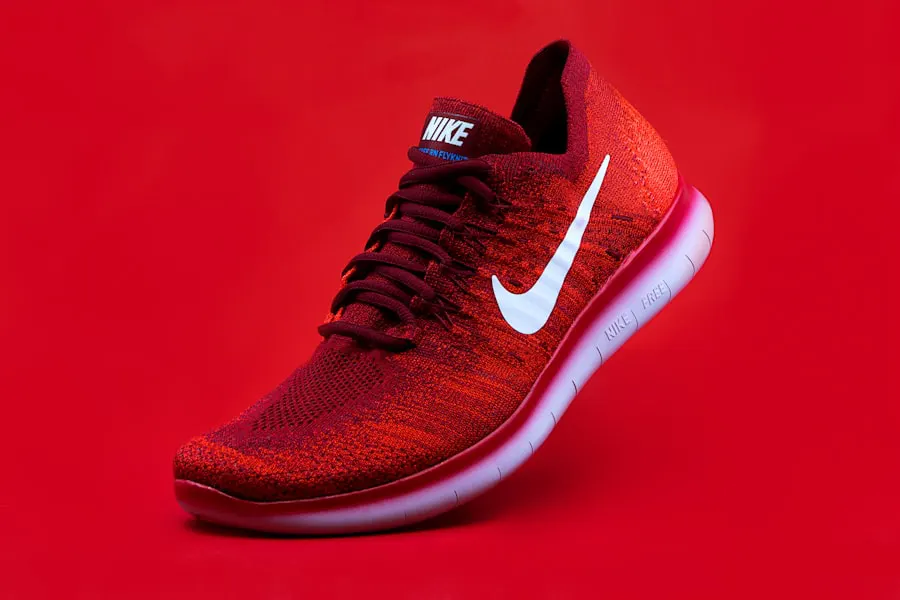
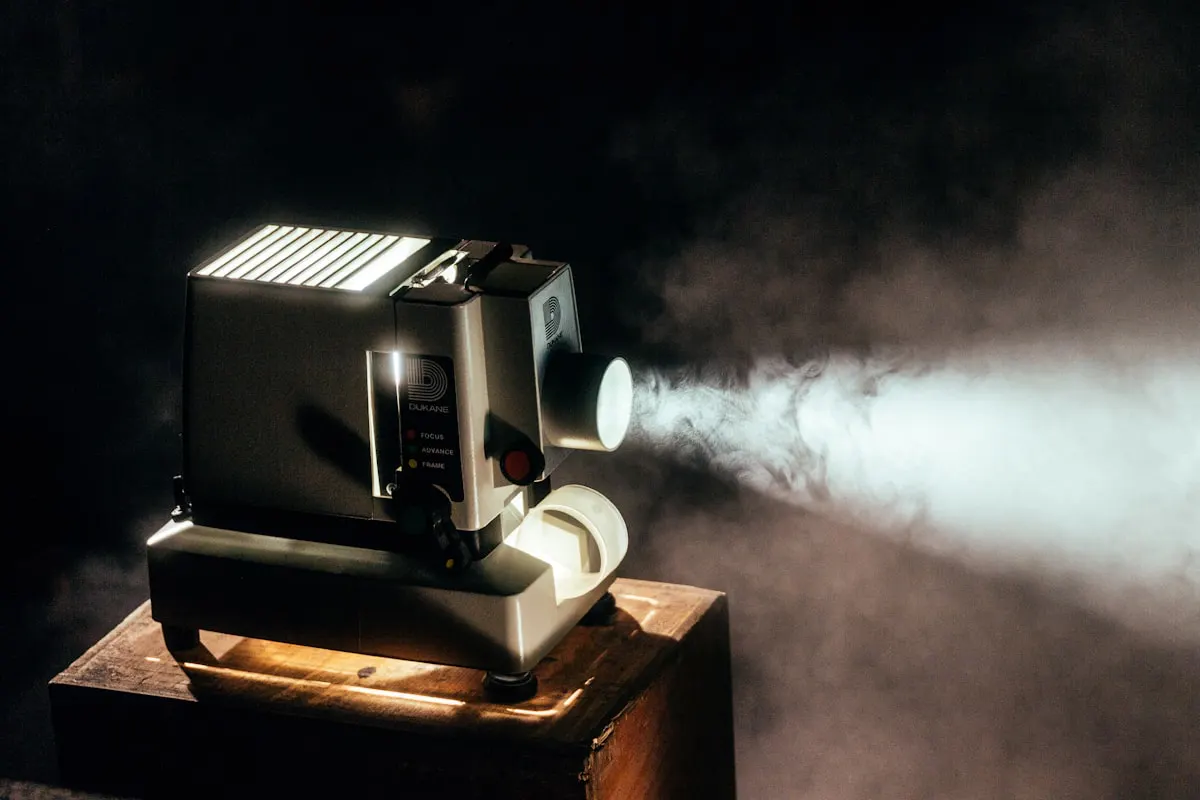


The page presents capability, scale, and workflow confidence before a visitor opens Studio.
Promotional workflows built for fast creative testing
Short-form product narratives and launch visuals
Creative options for paid, organic, and short-form channels
Enhance, adapt, and finish generated clips
Focused homepage narratives, curated workflows, and model-ready Studio paths are designed as one premium product surface.
Each template keeps its own visual story, category focus, and workflow gallery while using the same product foundation.

Transform product ideas and creative briefs into structured video directions for launch and ad testing.

Generate multiple angles, formats, and scenes so teams can compare creative directions faster.

Use video effects, enhancement, and trend-aware workflows to prepare clips for social distribution.
The page explains the product in a predictable sequence, so visitors know what to do before they start creating.
Start from a product image, reference asset, or campaign prompt.
Choose a video model, effect, transition, or marketing-oriented workflow.
Create multiple clips and formats for ads, reels, and social posts.
Enhance, edit, and adapt clips before publishing or testing.
Eight selected workflows for product clips, campaign videos, editing, and social creative exploration.
Preparing curated app examples for this homepage.
Explore marketing video workflows or open Studio to create a new campaign variant.